
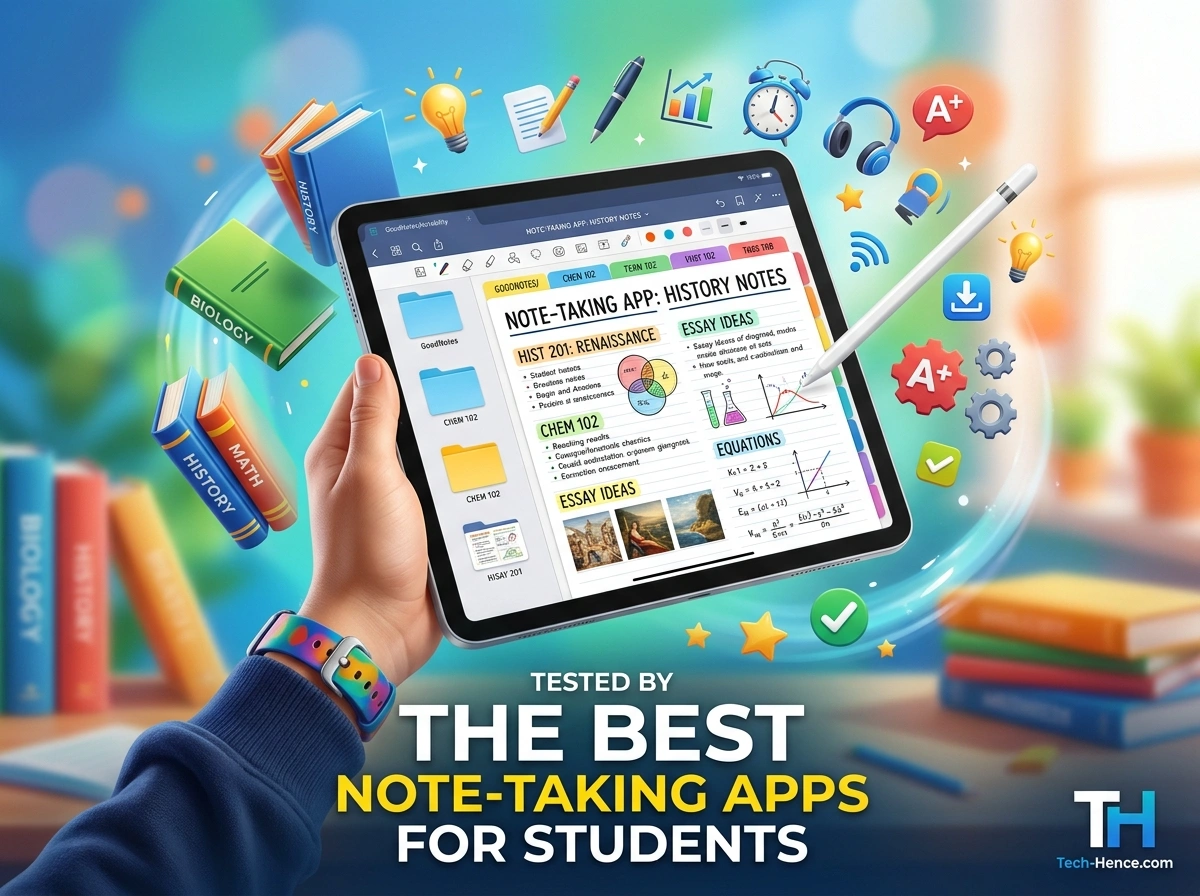
Great notes can make or break your semester. Whether you’re juggling lecture slides, group projects, or last-minute cramming before finals, the right app helps you stay organized and actually remember what you studied. But with so many options on the app store, picking one feels overwhelming.
We put the most popular note-taking apps through real-world testing with students across different majors, devices, and study styles. From typed research notes to handwritten calculus problems, we looked at what each app does well and where it falls short. Here’s our honest breakdown to help you find the perfect fit.
What We Looked For
Before diving into the apps, here’s how we tested each one. We focused on the features students care about most:
- Ease of use – Can you jump in without a steep learning curve?
- Cross-device syncing – Do your notes follow you from laptop to phone to tablet?
- Handwriting support – Great for math, diagrams, and visual learners.
- Organization tools – Folders, tags, and search that keep chaos in check.
- Price – Because student budgets are real.
Now let’s get into the results.
1. Notion — Best All-in-One Workspace
Notion has exploded in popularity on college campuses, and for good reason. It’s more than a note app. It’s a full workspace where you can build databases, track assignments, plan your week, and take notes all in one place.
Pros:
- Endlessly customizable with templates for study planners and class notes
- Free education plan for students with a valid school email
- Excellent for organizing big projects and group work
Cons:
- The flexibility can feel overwhelming at first
- Handwriting support is limited
- Needs an internet connection for the best experience
Ideal for: Students who love to organize everything in one hub and enjoy building custom systems.
2. Evernote — Best for Long-Term Note Storage
Evernote is one of the original note-taking heavyweights. It shines when you need to collect, store, and quickly find information over time. Its powerful search even reads text inside images and PDFs.
Pros:
- Fantastic search that scans handwriting and documents
- Web Clipper saves articles and research instantly
- Reliable syncing across all devices
Cons:
- Free plan limits you to two devices
- Premium features come with a subscription cost
- Interface feels dated compared to newer apps
Ideal for: Research-heavy majors and students who build large note libraries they’ll reference for years.
3. Microsoft OneNote — Best Free Option
OneNote is a hidden gem, and it’s completely free. Its notebook-and-section layout mimics a real binder, which makes it intuitive for students switching from paper. If your school already uses Microsoft 365, it fits right in.
Pros:
- 100% free with generous storage
- Flexible canvas lets you type, draw, and drop images anywhere
- Deep integration with Word, PowerPoint, and Teams
Cons:
- Syncing can occasionally lag
- The free-form layout gets messy without discipline
- Fewer advanced organization tools than Notion
Ideal for: Budget-conscious students and anyone already living in the Microsoft ecosystem.
4. Obsidian — Best for Deep Thinkers
Obsidian takes a different approach. Instead of folders, it connects your notes through links, creating a web of ideas. This “second brain” method is powerful for students who want to see how concepts relate.
Pros:
- Free for personal use
- Notes stored locally, so you own your data
- Linking feature is amazing for connecting ideas across subjects
Cons:
- Steeper learning curve
- Syncing across devices costs extra
- No built-in handwriting support
Ideal for: Graduate students, writers, and anyone building a knowledge base they’ll grow over time.
5. Notability — Best for Handwritten Notes
Notability is a favorite among iPad users, and it’s easy to see why. It blends handwriting, typing, and audio recording into one smooth experience. You can even record a lecture while writing, then tap any word to jump back to that moment in the audio.
Pros:
- Smooth, natural handwriting with Apple Pencil
- Audio recording synced to your notes
- Clean, simple interface
Cons:
- Best features are iOS and iPad only
- Some tools locked behind a subscription
- Not ideal for Windows or Android users
Ideal for: iPad-owning students in lecture-heavy classes who want to capture audio and notes together.
6. GoodNotes — Best Digital Notebook Experience
GoodNotes feels like writing in a premium paper notebook, minus the mess. It’s a top pick for students who prefer handwriting but want the perks of digital, like unlimited pages and instant search of your handwritten text.
Pros:
- Realistic handwriting feel with great pen options
- Searchable handwriting saves tons of time
- Import and annotate PDFs and slides easily
Cons:
- One-time purchase or subscription depending on version
- Primarily built for Apple devices
- Fewer typing-focused features
Ideal for: STEM and design students who sketch diagrams, solve equations, and annotate readings by hand.
How to Choose the Right App for You
There’s no single “best” app. The right choice depends on how you study and what device you use. Here’s a quick guide:
- You type most notes and love organization: Notion or Evernote
- You want free and reliable: OneNote
- You connect ideas across subjects: Obsidian
- You handwrite on an iPad: Notability or GoodNotes
Think about your daily routine. If you carry a laptop to every class, a typing-focused app makes sense. If you love your tablet and stylus, lean toward handwriting apps. Many of these tools offer free trials, so test a few before committing.
For more in-depth reviews, side-by-side comparisons, and hands-on tech guides, check out tech-hence.com, where our team regularly tests the latest tools for students.
Tips to Get the Most From Any Note App
Picking an app is only half the battle. These habits will help you actually use it well:
- Create a consistent folder or tag system early in the semester.
- Review your notes weekly instead of cramming before exams.
- Use search functions to save time hunting for old material.
- Back up your notes to the cloud so a lost device doesn’t cost you a grade.
- Keep it simple. Fancy features mean nothing if they slow you down.
Final Thoughts
The best note-taking app is the one you’ll actually stick with. Notion wins for all-in-one organization, OneNote is unbeatable on price, and GoodNotes and Notability lead the pack for handwriting fans. Evernote and Obsidian each carve out their own smart niches.
Every student learns differently, so trust your own workflow. Try a couple of these apps this semester and see which one clicks. Your future self, sitting calmly before a final exam, will thank you.
Ready to level up your study game? Download one of these apps today, and visit tech-hence.com for more tested tech recommendations that make student life easier.